


Data Center App
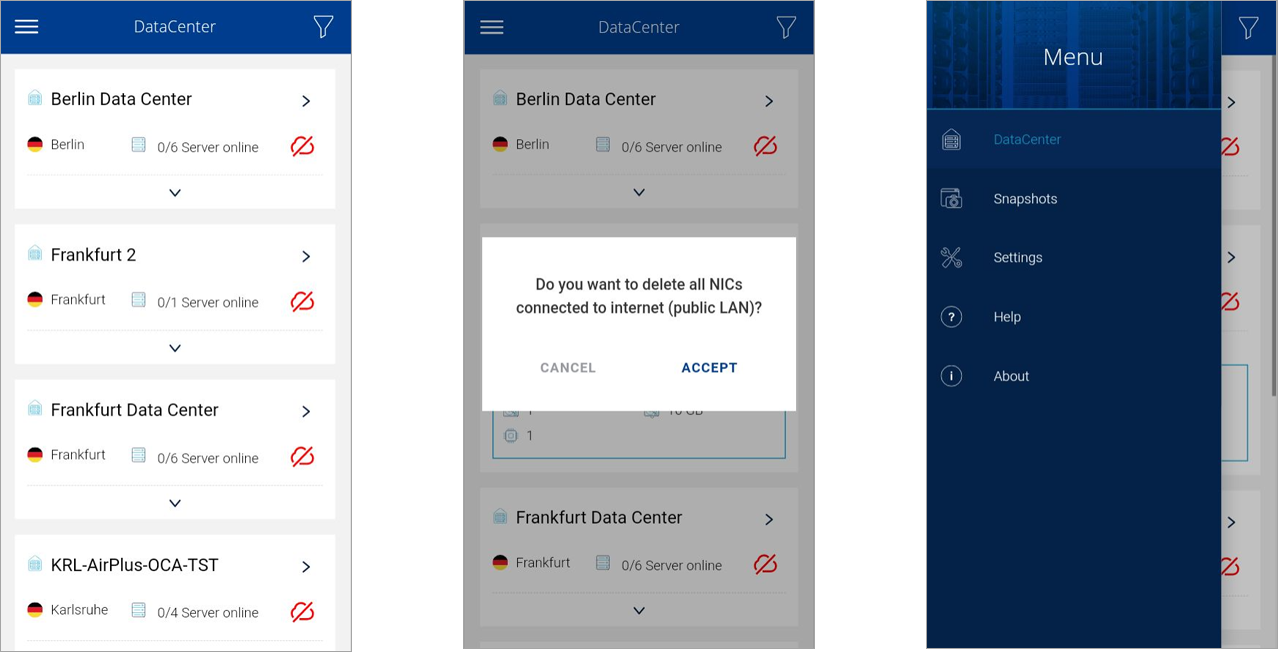
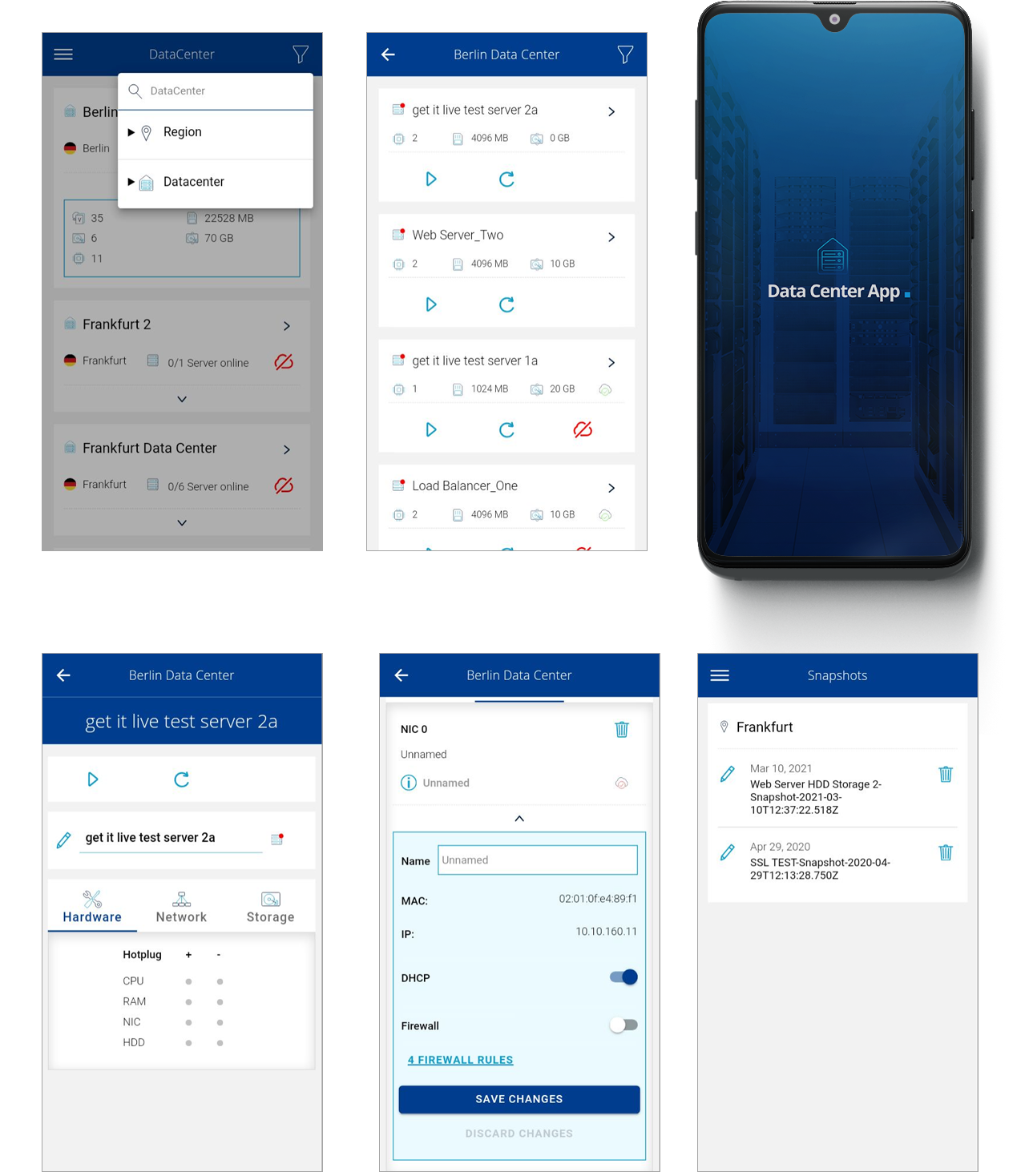
This Data center app created by get it live allows to easily manage and set security features for their virtual data centers through their smartphones. The Api of IONOS was the starting point for this project.
Categories
- UI/UX
- Mobile
- App
- Front end
Role
- UI/UX design
- Frontend implementation
Duration
- 4 Months
Client
- get it live GmbH
Is there a problem?
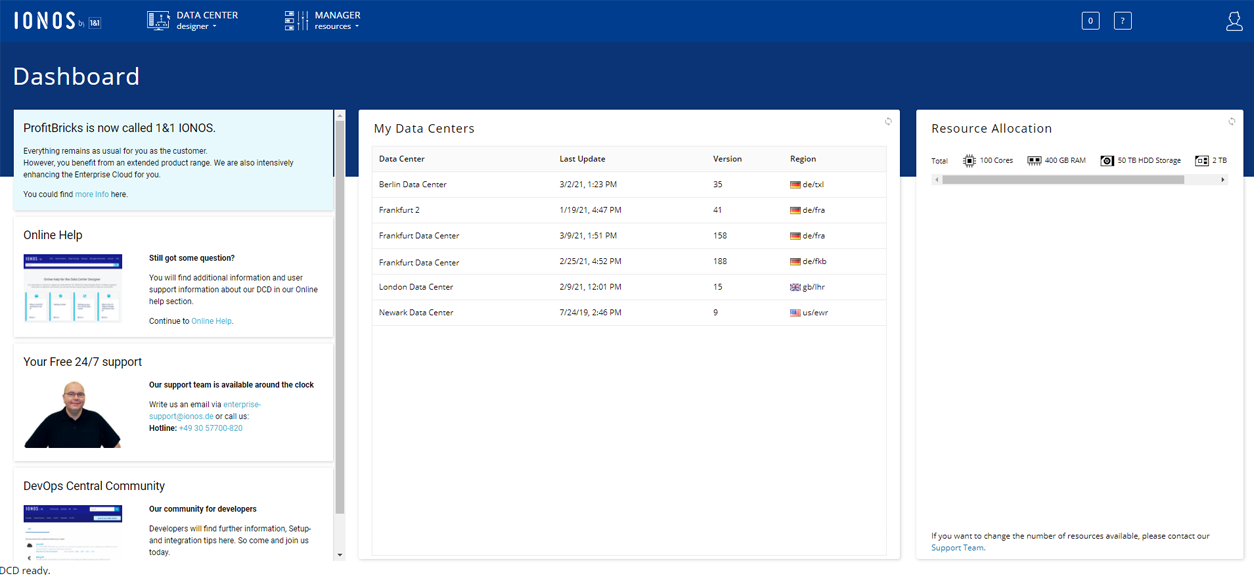
The API provided by IONOS allows the creation of new services. The most common use of virtual data center administration is through a web portal. That means the most common use is on site. What about the mobile solution? Sure, there are solutions. But there is where my expertise takes part.
Projects goals
Provide a user-centered interface, where the user will get a quick overview of his data centers and all his servers and resources. If required, he can adjust them with all of their properties, stop, start, and reset them.
Take most of the functionality offered in the portal web, and adapted for portable devices.
Research
With an application already created, it was a simpler process to create its version on mobile devices. For this case, the chosen methodologies were: card sorting and user flow.
Here are the results:
Card sorting
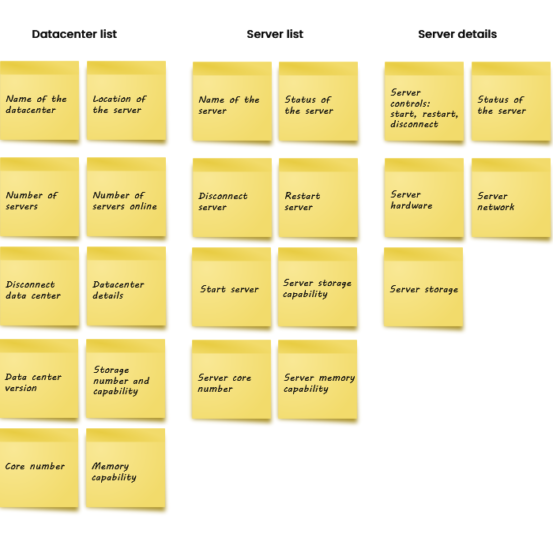
Our plan for this methodology was to restrict user decisions at a certain point, thereby not ending with the inclusion of all existing functions in the web portal. With this we predefine the groups to be drawn. For this we create a plan where we evaluate the implementation time and the possibility of implementation.
The logical result was the selection of the most practical and shorthand functions to be realized on a small screen.
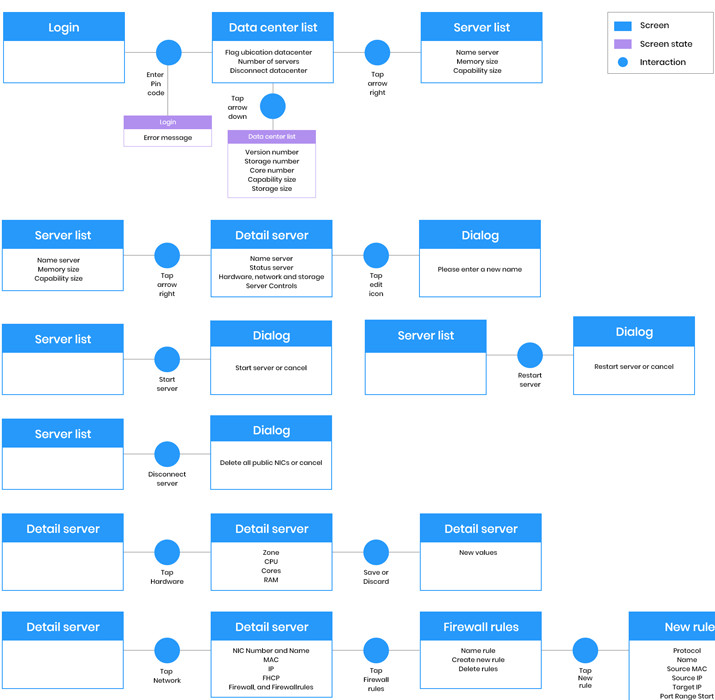
User flow
For this case, I started a user flow diagram on this early stage, in order to know which options, functionality and steps are in front of the user. The result was an innumerable list of features, which of course not all would fit into an app. But it would give us an overview of what you could prioritize, and what we could offer to our users.
Design time, fun time
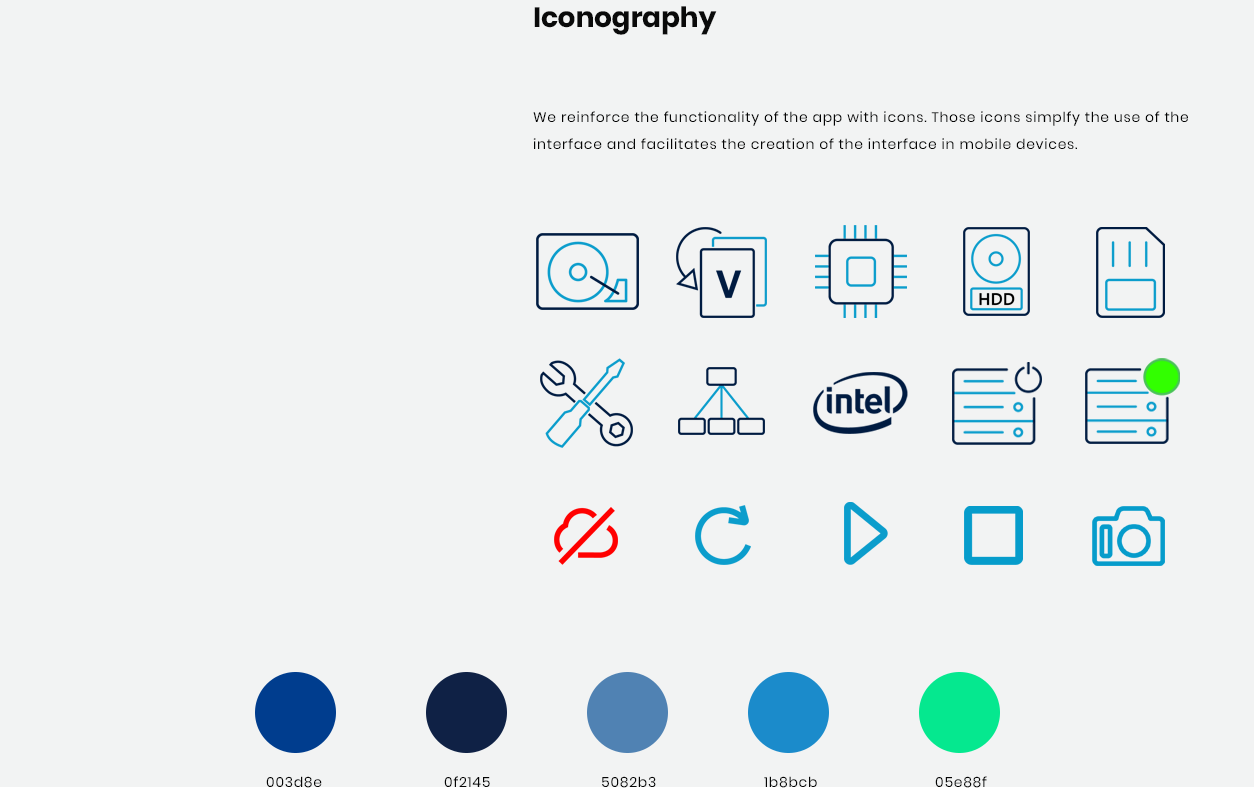
After prioritizing and learning the user’s language, we jump to the creation of the interface. For this project was a high-fidelity prototype the best approach. The use of cold color helps in the technology concept.
On board…
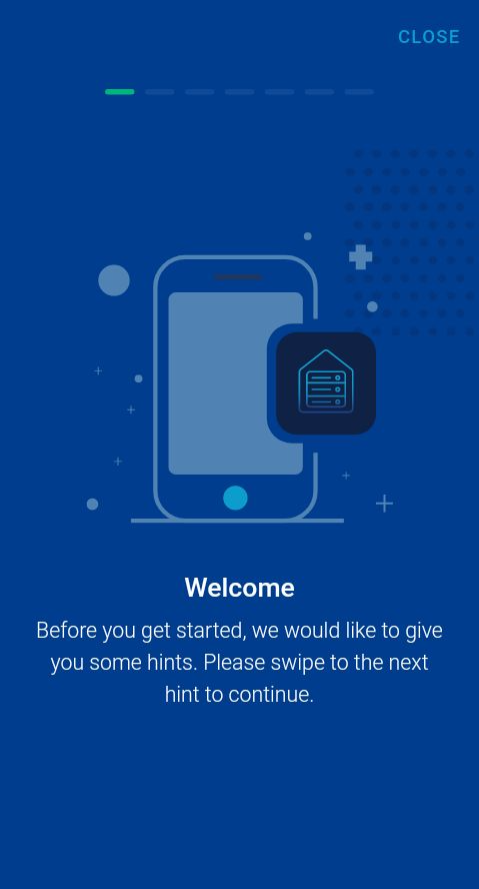
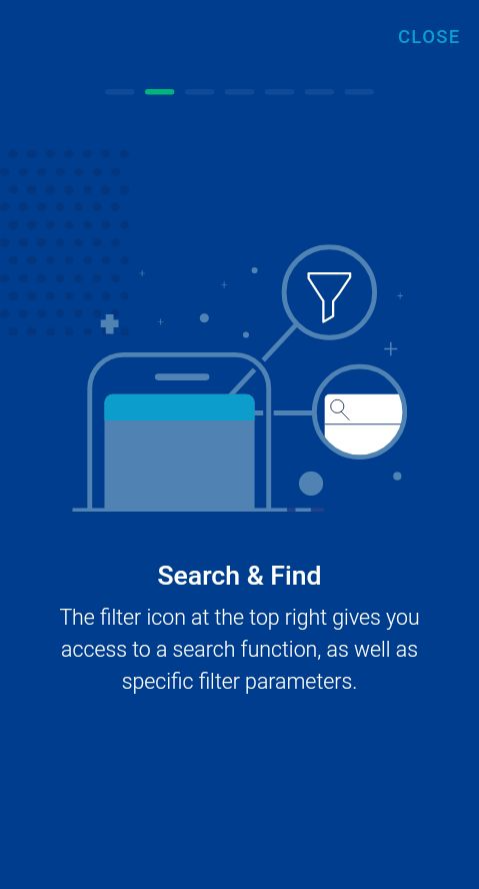
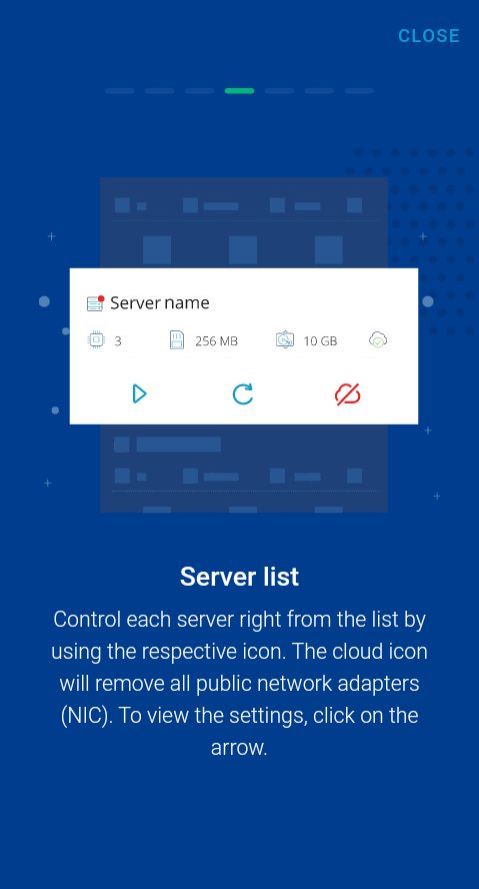
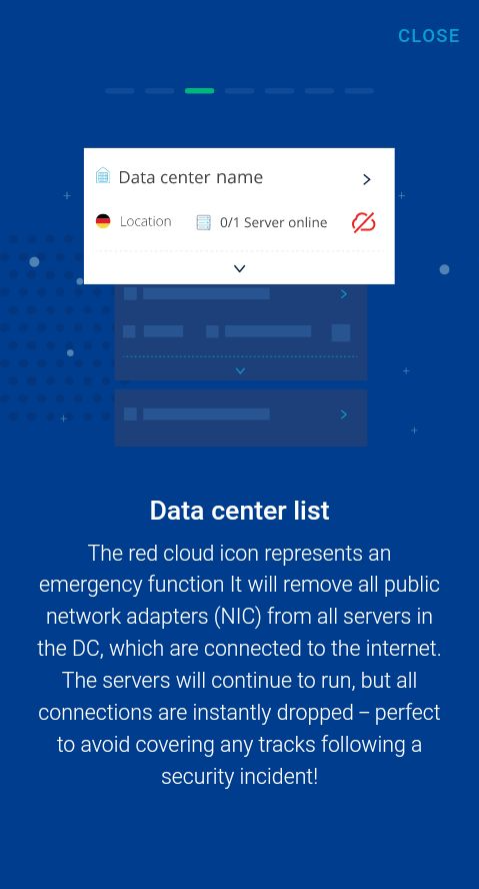
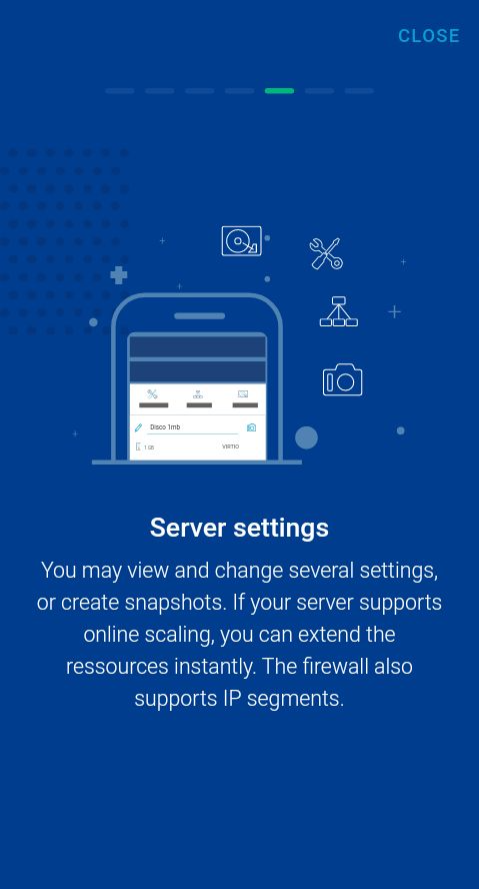
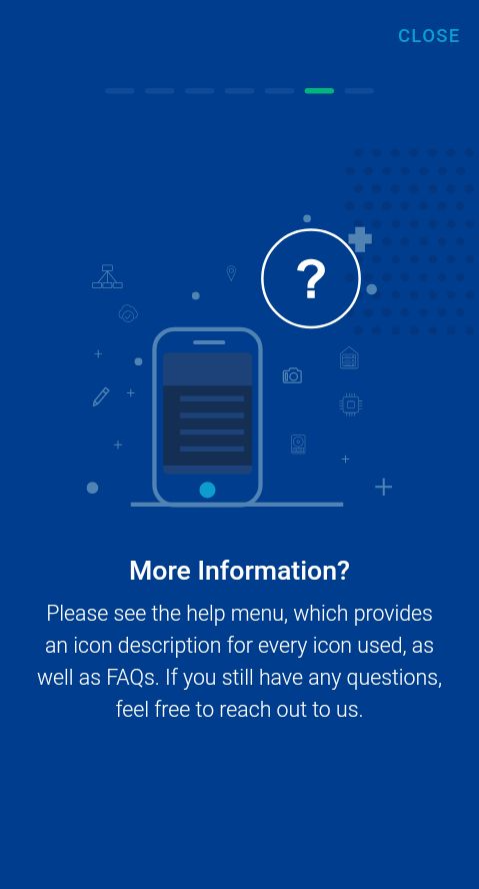
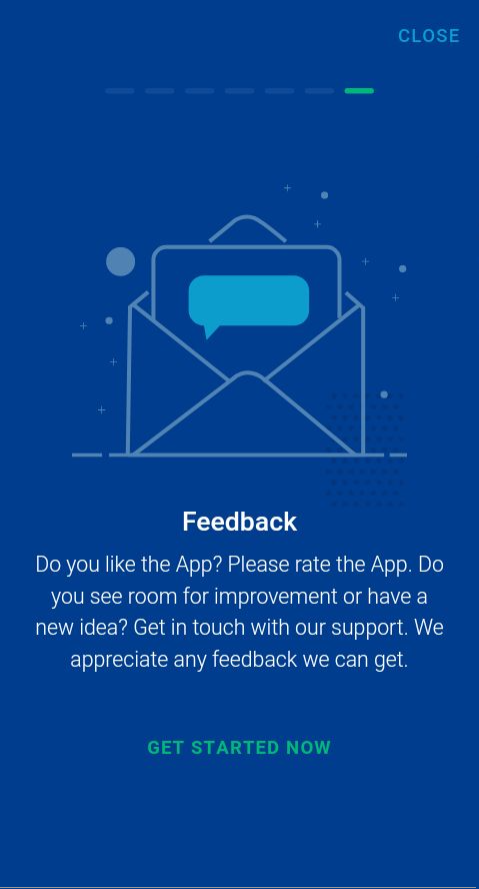
Although the design target is for experienced users, most of them are IT specialists. Some of them face a new way of managing a server from a mobile app. That is why the onboard workflow works and gets the people into our app.
Mockups / final screens
After the wireframes steps, the design of the final mockups was easier. Taking the user flows and with the architecture information, I created every single screen in order to create a high fidelity prototype.